Happic screen platform

Happic for every screen, event, and venue.

A professional operating layer for digital signage, live event galleries, guest kiosks, internal communication, and screen network monitoring.

Content sources
QR photo sharing

Events

Guest uploads, approval queues, live galleries, and event screen moments.

Signage CMS

Digital signage

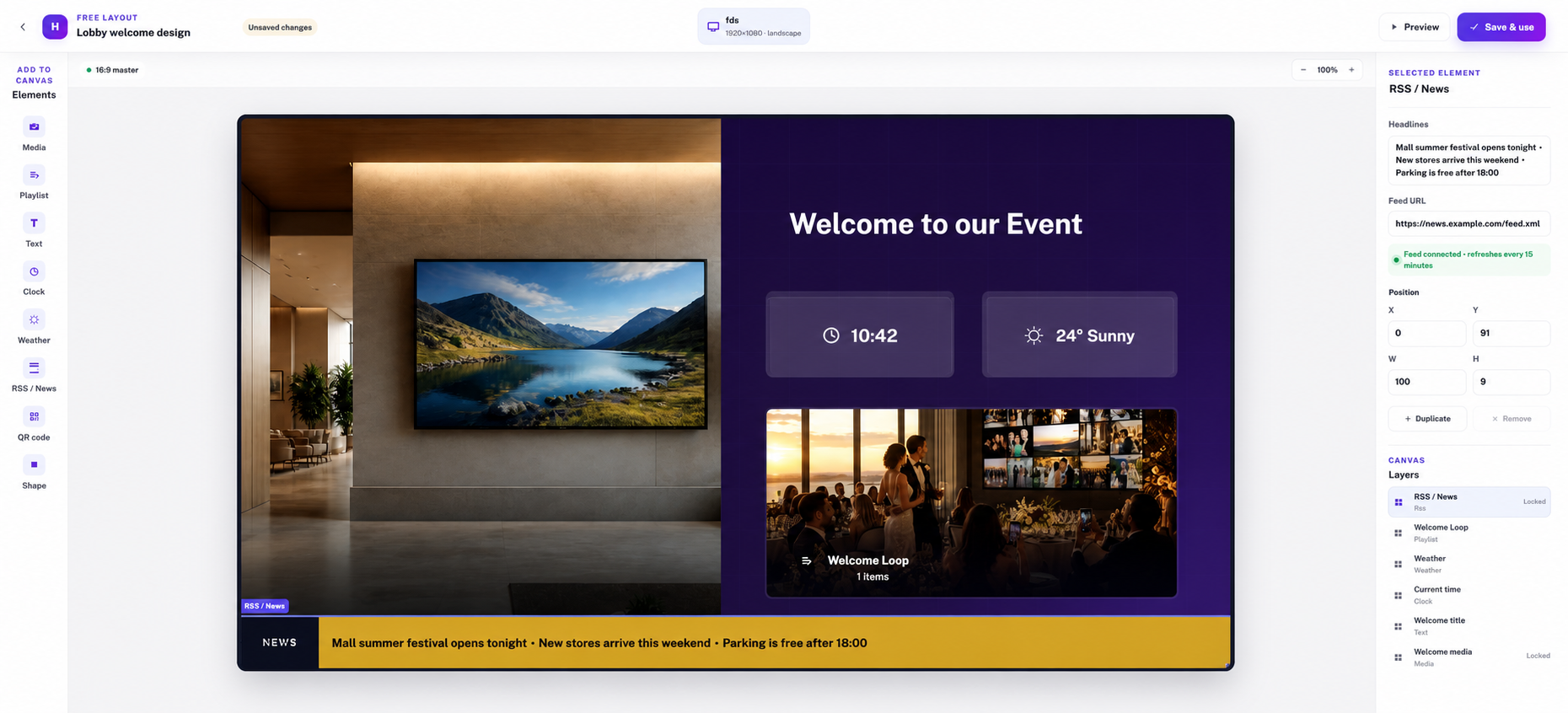
Playlists, scheduled content, screen groups, and multi-location updates.

Internal comms

Presentations

Meeting-room content, announcements, broadcasts, and enterprise messages.

QRMobile uploads
CMSAdmin dashboard
DecksLaptop content
LiveAudience actions
Happic PlatformContent + people + screens
Screen network
TV displaysLobby playlists
KiosksGuest welcome
Menu boardsScheduled loops
Conference screensLive agenda
Reception displaysAnnouncements
Info screensWayfinding
One platform

Built around the blocks teams actually manage.

Happic connects content, people, screens, approvals, schedules, and locations without making operators jump between separate tools.

Happic dashboardPlatform control
128screens
42playlists
7locations
UploadQR, admin, and media inputs
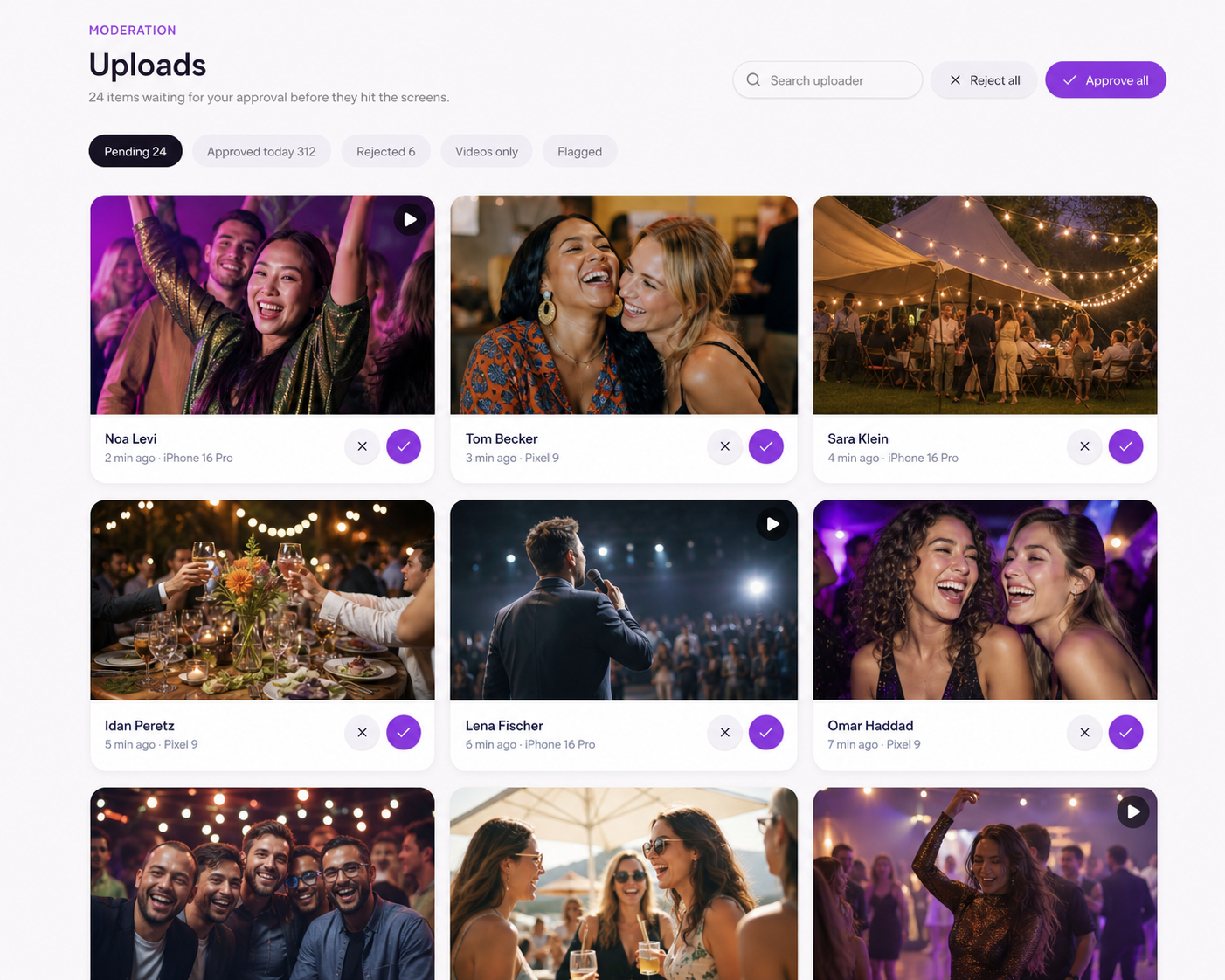
ApproveModeration and readiness
ScreensViewer groups and playlists
InsightsHealth, playback, and gaps

Digital signage

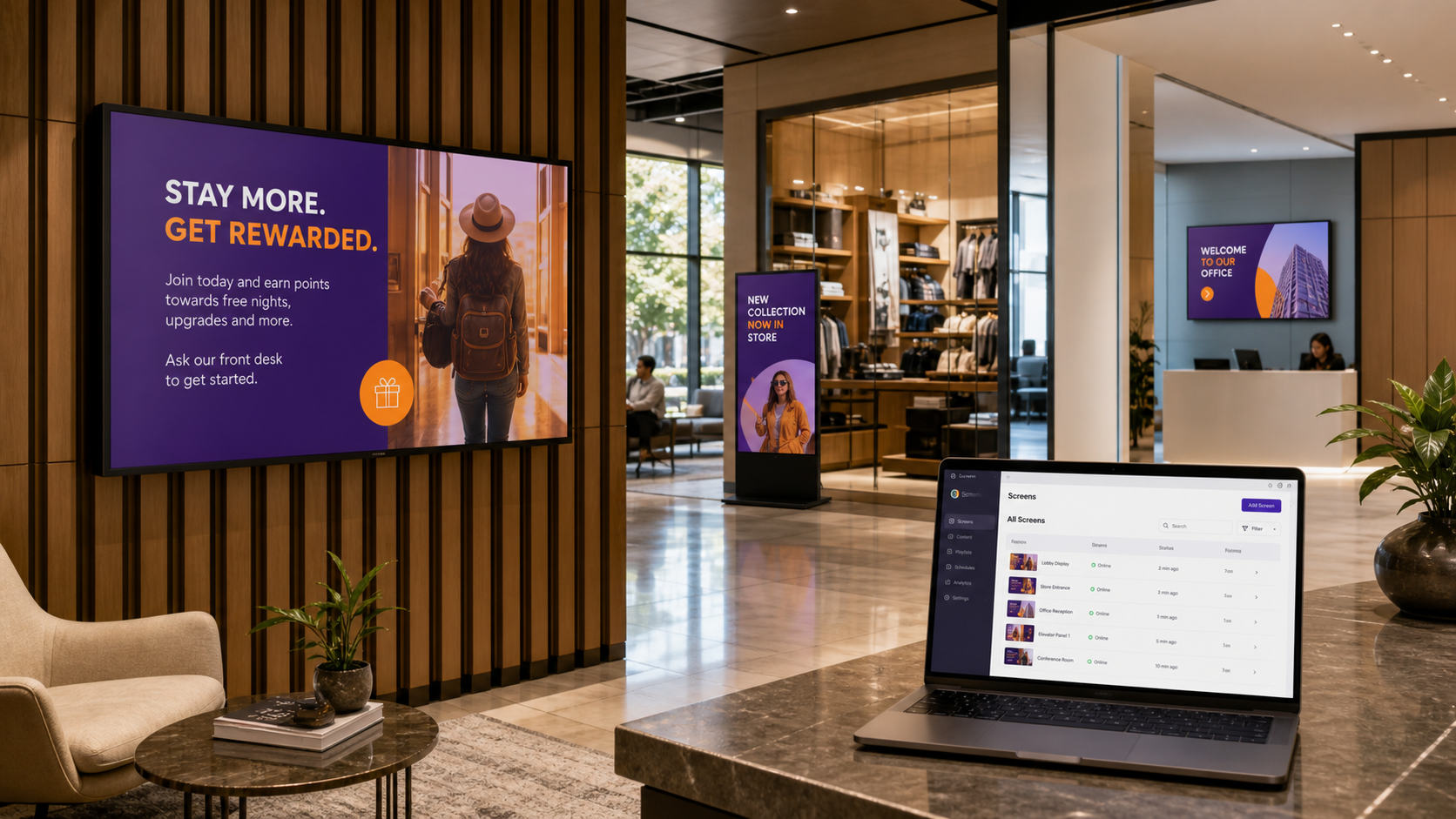
Publish playlists, schedules, menus, announcements, and branded content to any screen group.

Live events

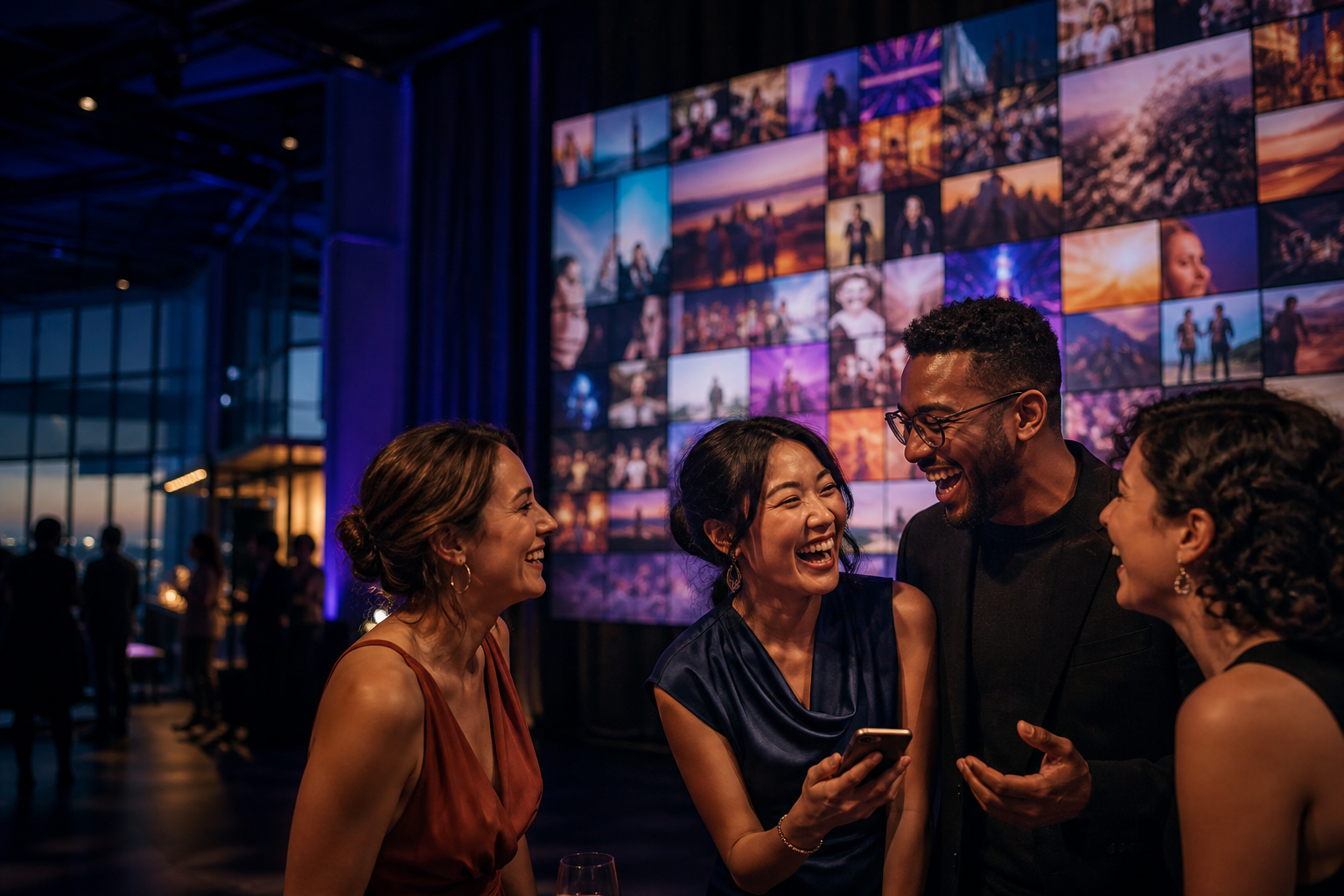
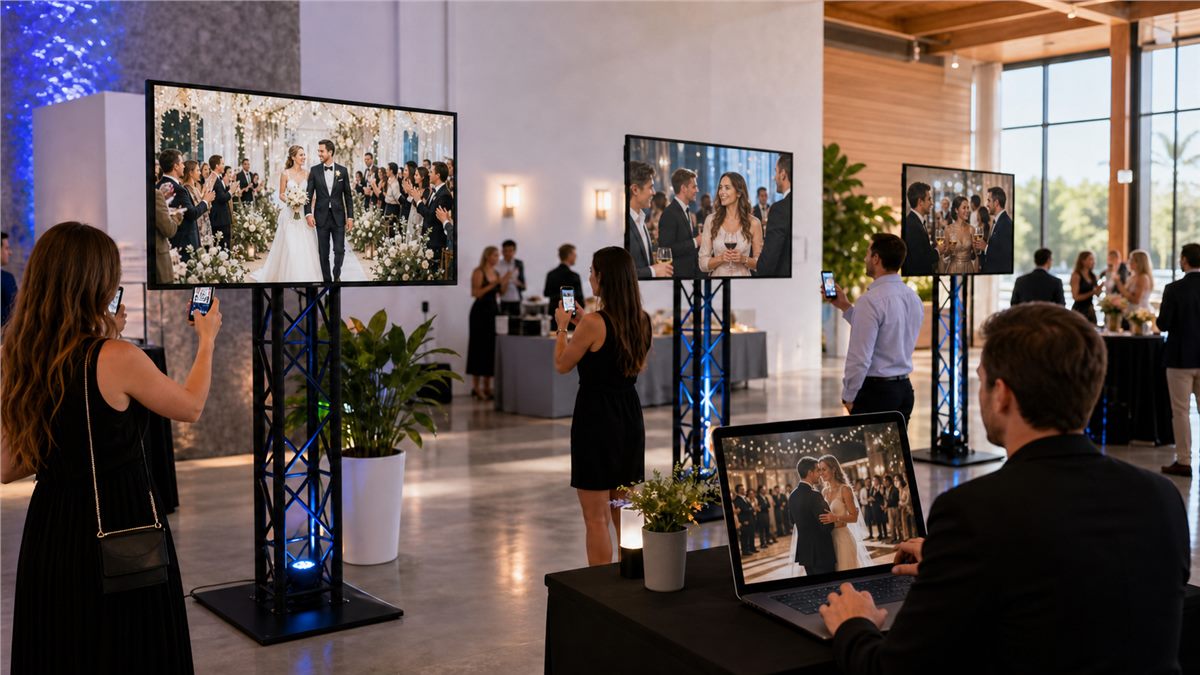
Turn QR uploads, approvals, and audience participation into polished live screen moments.

Operations

Monitor screen health, content status, teams, and locations from one admin workspace.

Industries

Split by the environments where screens create value.

Each industry has different content, timing, moderation, and location needs. Happic keeps the system consistent while the workflow adapts.

Event venues

Photo walls, welcome screens, sponsor loops, live galleries, and moderated guest content.

  • Weddings
  • Conferences
  • Brand activations

Hotels

Lobby signage, meeting-room agendas, restaurant promotions, wayfinding, and guest notices.

  • Lobby TV
  • Meeting rooms
  • F&B boards

Restaurants

Menu boards, daily specials, queue screens, private-event content, and timed promotions.

  • Menus
  • Promos
  • Event screens

Offices

Internal announcements, all-hands decks, room schedules, visitor screens, and team updates.

  • All hands
  • Reception
  • Room displays

Retail

Store campaigns, product moments, location-specific content, and remote campaign control.

  • Promotions
  • Store network
  • Seasonal loops

Education

Campus notices, event screens, department announcements, and student participation moments.

  • Campus screens
  • Events
  • Alerts
Use cases

Four common workflows, one clean operating model.

The product story now reads as practical use cases instead of abstract motion: what teams do, how it moves, and where it appears.

Use case 01

Run a live event gallery

Guests scan a QR code, upload photos, moderators approve, and approved content goes live on venue screens.

  1. QR upload
  2. Approval queue
  3. Live screen gallery
Open Event Page
Use case 02

Control a signage network

Create playlists, target screen groups, schedule by location, and keep every display current.

  1. Playlist build
  2. Screen targeting
  3. Remote publish
Open Signage Page
Use case 03

Broadcast internal updates

Send presentations, company announcements, and room-specific content without fragmented tools.

  1. Upload deck
  2. Pick rooms
  3. Track playback
Use case 04

Set up guest kiosks

Guide visitors, event guests, and venue teams through branded upload, check-in, and content flows.

  1. Kiosk mode
  2. Guest action
  3. Admin control
Flow

A calmer animation: content blocks move from capture to live screens.

The visual language is still dynamic, but the motion is restrained: small blocks, fine lines, clear stages, and no heavy neon treatment.

Capture

Collect content from QR pages, admin uploads, schedules, and operator workflows.

Moderate

Review uploads, resolve missing assets, and keep teams in control before anything goes live.

Publish

Send the right content to screen groups, kiosks, room displays, and event galleries.

Measure

See what is online, what is playing, and what needs attention across every location.

Monitoring

Know what is online, what is playing, and what needs attention.

Happic gives operators a readable enterprise view of screen health, active playlists, location status, and content playback.

Global screen healthLive
128online screens
7live locations
42active playlists
3need attention
Lobby WestOnline
Main StagePlaying
RestaurantScheduled
Office HQAttention
AI assistance

Helpful automation without removing human control.

AI is positioned as a practical operations assistant for planning, moderation, and maintenance, not as decoration.

Assistant

Suggest playlist structure from event schedules and venue context.

Assistant

Summarize upload queues so moderators can prioritize faster.

Assistant

Flag stale content, missing screens, and publishing gaps before they spread.

Book a demo

See how Happic can connect your screens, content, events, and audience.

Talk with sales about digital signage software, enterprise screen management, event engagement, QR photo sharing, or multi-location signage CMS workflows.

hello@happic.io Demo request and contact sales