
Conference screensWelcome boards, agenda loops, and wayfinding can run from the same playlist flow.
Signage use case
Manage conference and restaurant signage without complicated screen work.
Happic makes signage simple: create the playlist, assign it to the right screens, preview the result, and publish updates across your venue from one system.
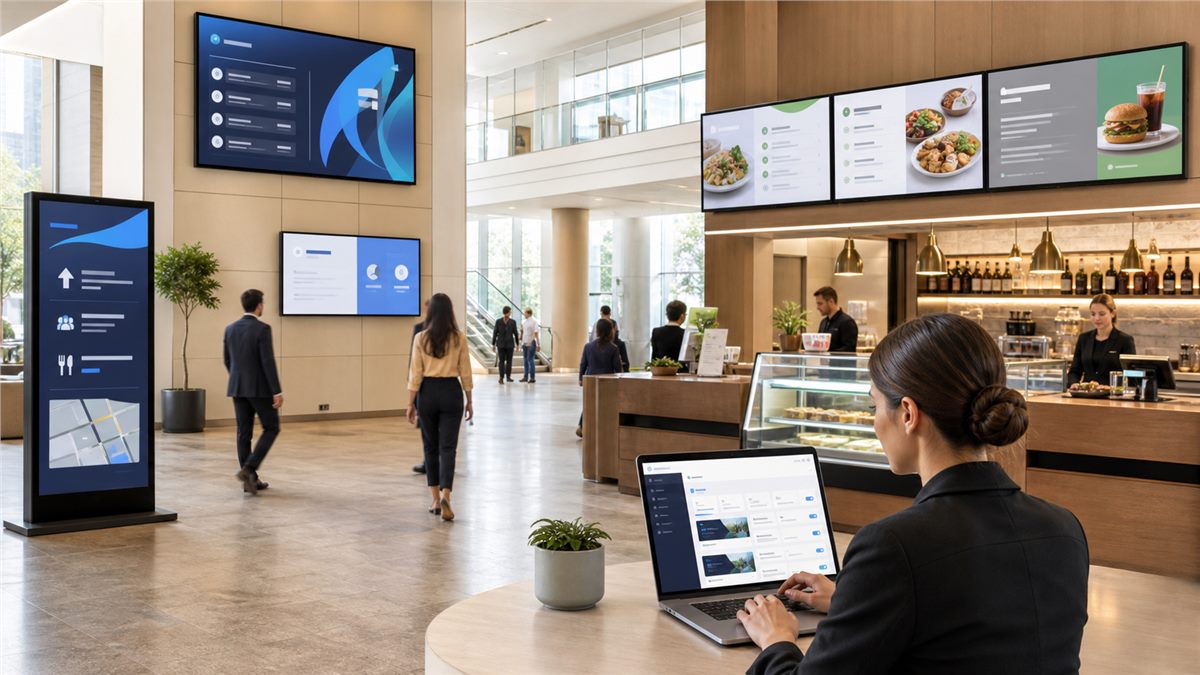
Restaurant displaysMenu boards, promotions, and daily updates stay aligned without touching every screen.
One admin workspaceUpdate content once, preview it, assign screens, and publish when it is ready.
Create playlistAdd agenda, menu, promo, or welcome content.
Assign screensChoose rooms, counters, lobbies, or viewer apps.
Publish livePush updates when everything looks ready.
Real product screens
See the actual signage controls behind the conference and restaurant examples.
These screenshots focus attention on playlist setup, screen assignment, playback controls, and publish readiness.
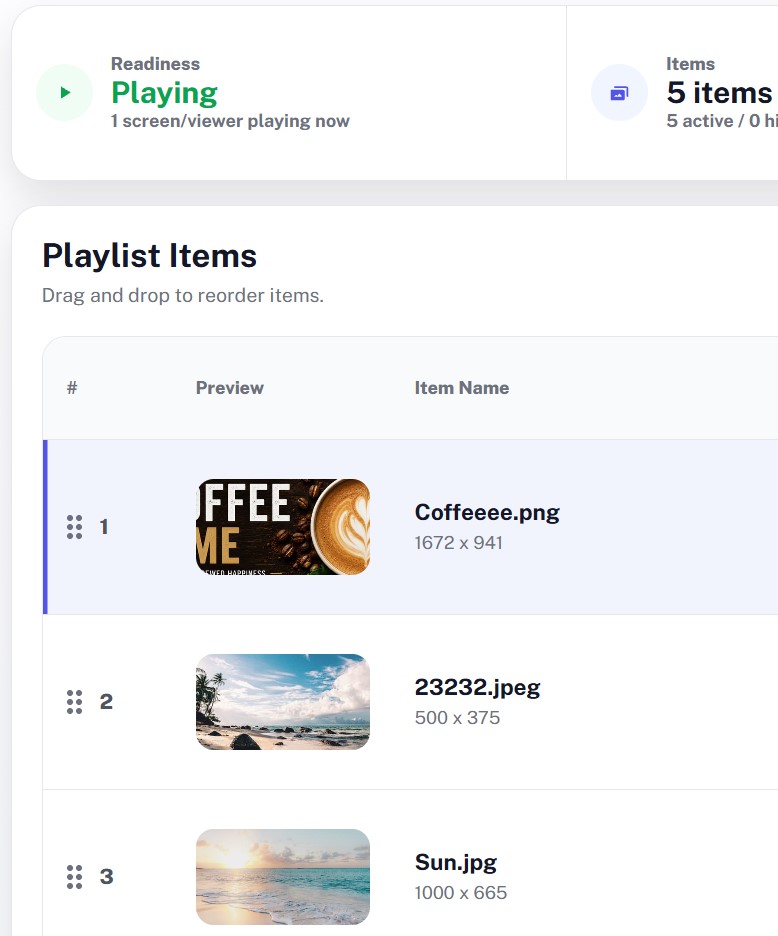
Teams can manage playlist items and screen assignments without touching each device manually.
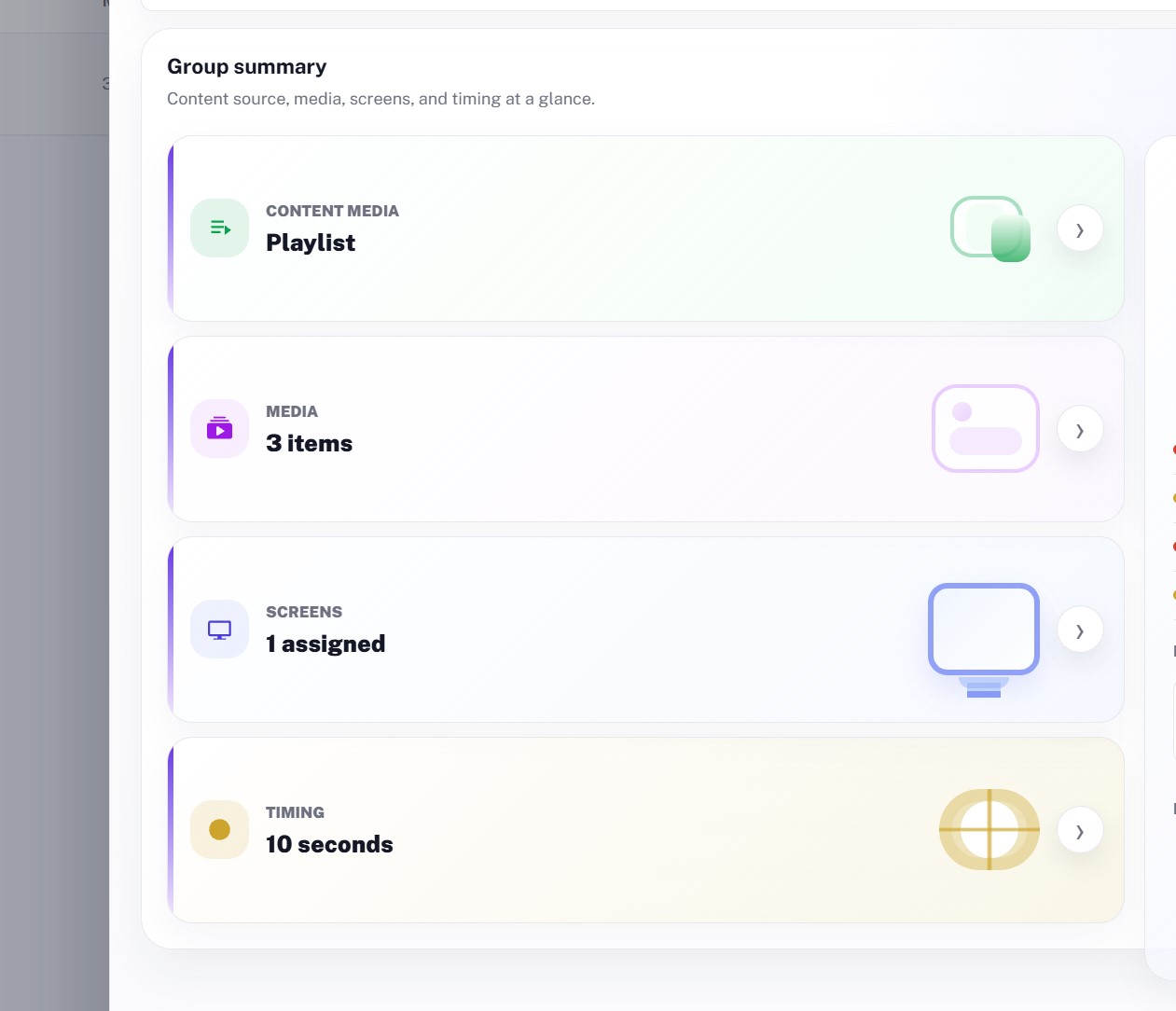
The real signage workspace keeps playback controls, assigned screens, timing, and group health in one focused panel.
Easy to operate
A signage workflow your team can actually run.
Happic keeps the hard parts behind the scenes. Your team works with content, playlists, previews, and screen assignments.
Pick a use case
Choose conference signage, restaurant menus, lobby boards, or any recurring screen format.
Build the playlist
Add images, videos, announcements, menu items, or schedule blocks in one simple flow.
Assign screens
Send the right playlist to the right room, counter, lobby, kiosk, or TV viewer.
Publish updates
Preview the result and push changes live without reconfiguring every device.
Examples
Start with conference screens or restaurant boards.
The same Happic flow works for both event-driven signage and day-to-day venue updates.
Conference signage
Run welcome screens, session agendas, sponsor loops, room directions, and live updates from one event workspace.
- Agenda screen
- Room wayfinding
- Sponsor loop
Restaurant signage
Keep menu boards, daily specials, promotion screens, and counter displays current without manual device work.
- Menu board
- Daily special
- Promo display
Why it matters
Less screen work, faster venue updates.
Signage should not require a technical operator for every change. Happic gives teams a simple control layer for many screens and many content types.
Easy content updates for non-technical venue or event teams.
One playlist workflow for conference screens, restaurant boards, and lobbies.
Preview before publishing so screens look right before customers see them.
Fast screen assignment when a venue has many rooms, counters, or viewers.