Event use case

Guests upload moments. Organizers decide what reaches the venue screens.

Happic gives event teams a controlled photo-sharing workflow: customers scan, upload, and participate while the admin approves or rejects every image before it appears in the room.

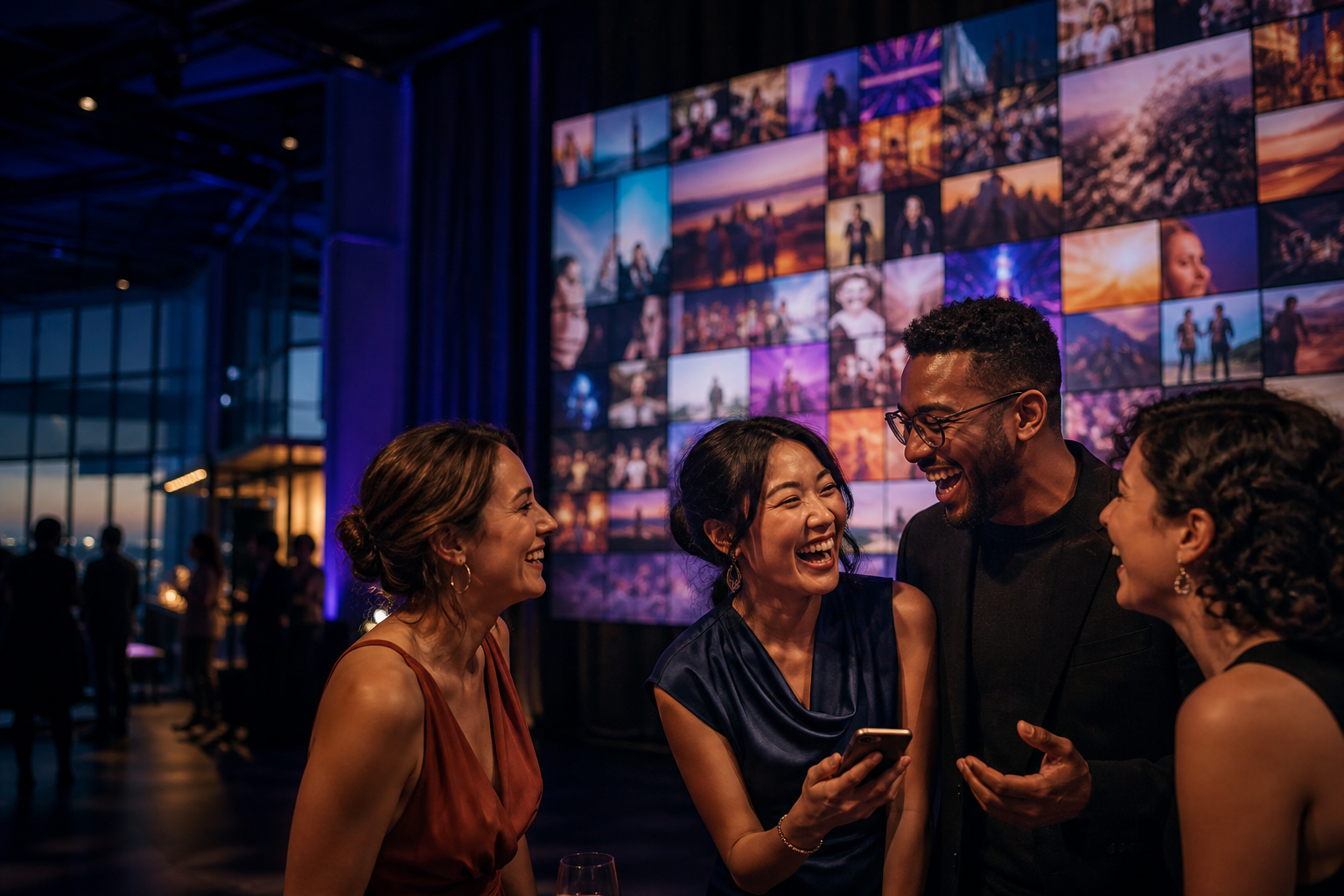
Event venue with TV viewer stands, guests uploading photos from phones, and an organizer reviewing uploads
Generated venue conceptTV viewer stands rotate approved guest images
01
Viewer stands in every areaEach TV runs the Happic viewer and rotates one approved image at a time.
02
Guests upload from phonesPeople scan the QR on the viewer and send photos instantly.
03
Admin approves or rejectsThe organizer controls what is allowed to reach screens.
Scan and uploadGuests use the QR on the viewer stand.
Admin reviewOrganizer approves or rejects every image.
Publish to viewersApproved images rotate one at a time on selected TVs.
What Happic does

The event flow is simple: upload, approve, publish.

The icons below match the real workflow your team runs during the event.

Collect guest uploads

Guests scan the event QR and send photos from their own phones.

Approve before live

Organizers review images and join requests before anything reaches the room.

Publish to viewers

Approved moments rotate one at a time on the right screen or viewer stand.

Real product screens

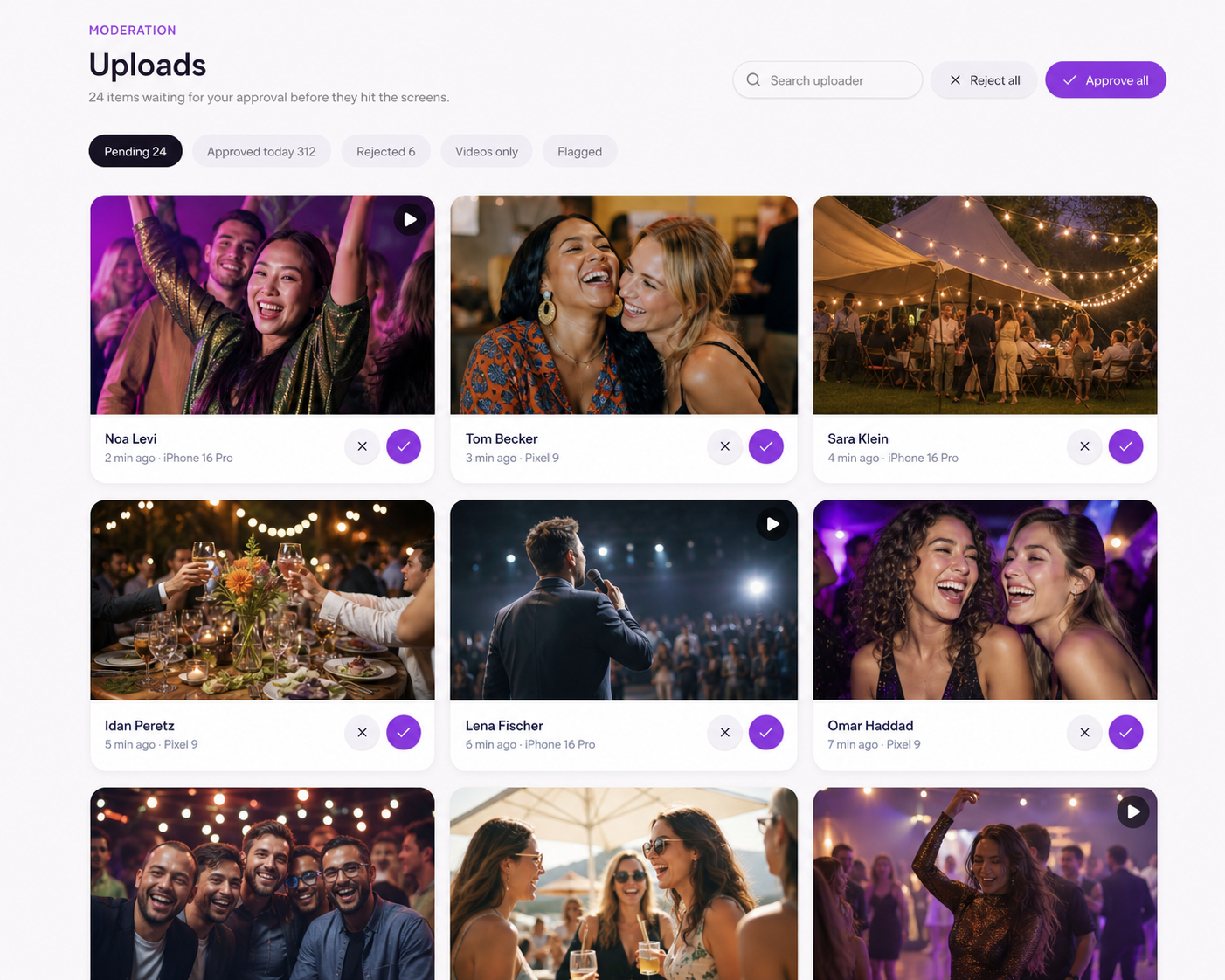
The admin sees uploads, approvals, and viewer routing in Happic.

The screenshots are shown with soft blur and focus labels so the main workflow is clear without turning the page into a full product tour.

Happic event image library showing approved guest uploads assigned to event viewers
Event imagesApproved images ready to rotate on screens

The real event workspace shows guest uploads, approved media, viewer targeting, and the image library in one place.

Happic mobile moderation queue showing approve and reject actions for an uploaded image
Moderation queueApprove or reject uploads

The organizer can review guest uploads before they move into the live event feed.

How it works

Rotating event images with organizer control in the middle.

The flow stays simple for guests and safe for the venue: upload, review, approve or reject, then publish to selected screens.

01

Guests upload

Attendees scan a QR code and send photos from anywhere in the venue.

02

Organizer reviews

The admin or event organizer sees every upload before it reaches public screens.

03

Approve or reject

Good moments are approved for display. Anything off-brand, private, or low quality stays hidden.

04

Screens update

Approved images rotate one at a time across selected venue screens.

Why it matters

More participation, without giving up screen safety.

This is the core event use case: many customers can contribute content, but the admin or organizer decides what is safe, polished, and relevant enough to go live.

More guest participation without losing control.

Safe rotating screen moments for weddings, conferences, brand events, and venues.

Organizer approval before any customer image appears on screen.

One event workspace for QR uploads, moderation, and screen publishing.