
Deliver the memories.
Download selected originals or completed AI images as a ZIP, ready to hand over to the organizer or your client.
For photographers & event organizers
Gather everyone's photos in one place. Keep the originals or create a little AI magic. Download the memories, print them at your event, or bring them to the big screen.
Create your eventPicture this: a company celebration
Share the event code or QR link. Selfies and group shots arrive in your event gallery, ready for your team to review.
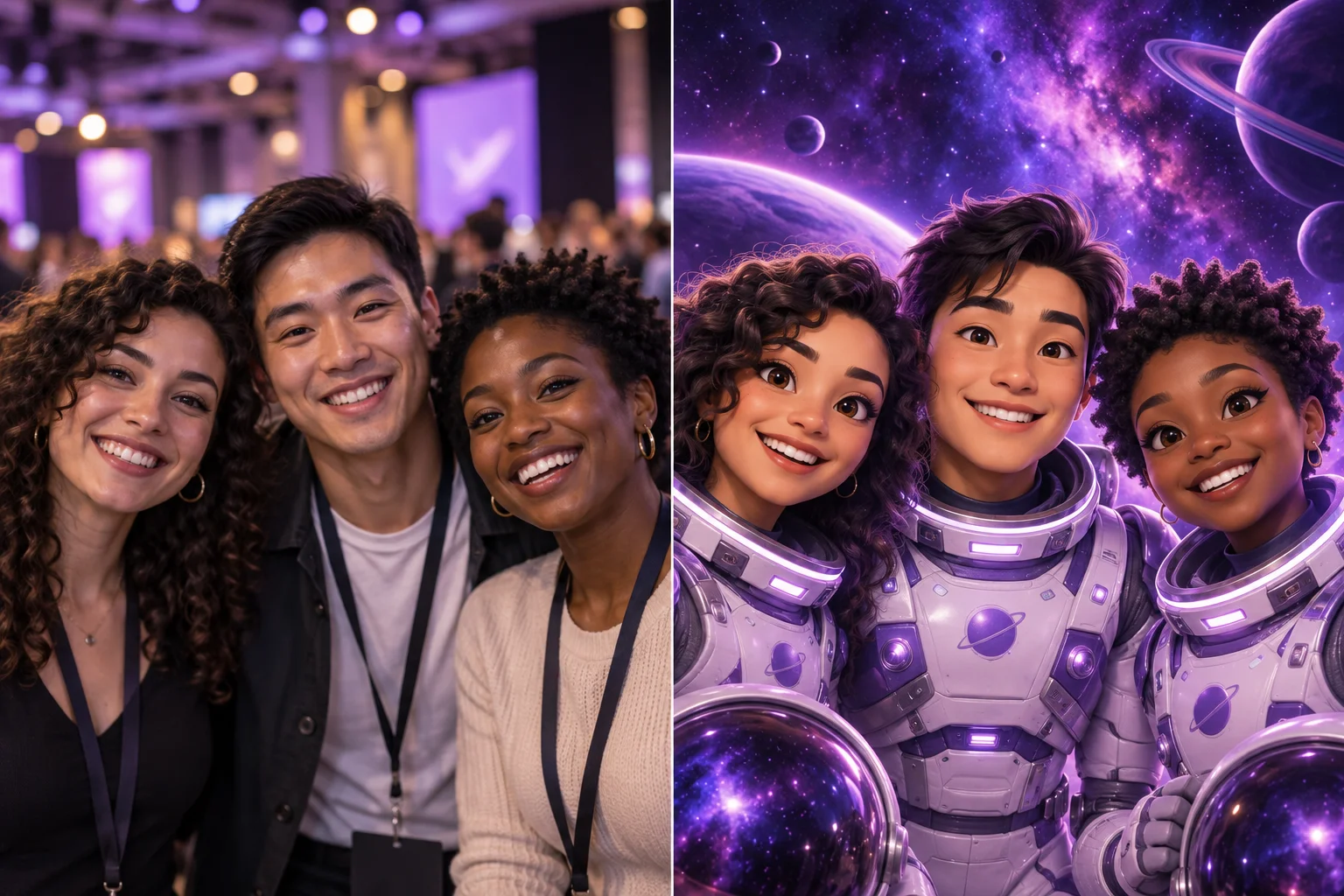
Use the original photos, or select 200–300 images and start one AI batch: space explorers, a storybook world, your chosen theme.
Choose the finished images and download them together as a ZIP. Deliver the collection or prepare prints with your event's own printing setup.
You decide what happens next
Download selected originals or completed AI images as a ZIP, ready to hand over to the organizer or your client.
Print downloaded photos at the event using your own printer and software. Check the resolution and crop for your print size.
Original photos or AI creations. Your choice.Give reception, the main stage, and the photo wall their own player and content list. Guests can choose an available upload destination.
More than one screen?
Design in Layout Studio and manage your digital signage from the same workspace.
Select a screen to follow where a guest photo goes.
In this example, the guest chooses Photo wall. The other screens keep their own lists. Event permissions and moderation still apply.
No. Collect and download the original photos, or create themed versions with AI. Print downloaded files using your own printer and printing software. Check image resolution and crop for your chosen print size.
Yes. Select ready photos, choose a style and prompt, and start a batch. The event gallery supports up to 500 ready images per batch, subject to package access and available credits. Generation runs in the background; review the results before using them. Timing varies by mode and batch size.
Pricing starts with one Event Pass for one event. Paid Event Passes include Event Screen capacity plus 1 Screen Collection on Essential and Standard, 2 on Premium, or 3 on Ultimate. Each collection supports a Web Viewer or one paired display. AI photo transformations continue to use separate credits.
Choose one Event Pass based on participants and Event Screens. Every paid pass includes Screen Collections: 1 on Essential and Standard, 2 on Premium, and 3 on Ultimate. AI credits remain a separate add-on.
Talk to us about your eventExplore packages & AI credits →