
Upload photos
Collect candid moments, portraits, and branded event shots.
Built for event organizers
Turn a TV, projector, LED wall, or lobby display into a dedicated Happic player—with its own content, layout, and guest actions.
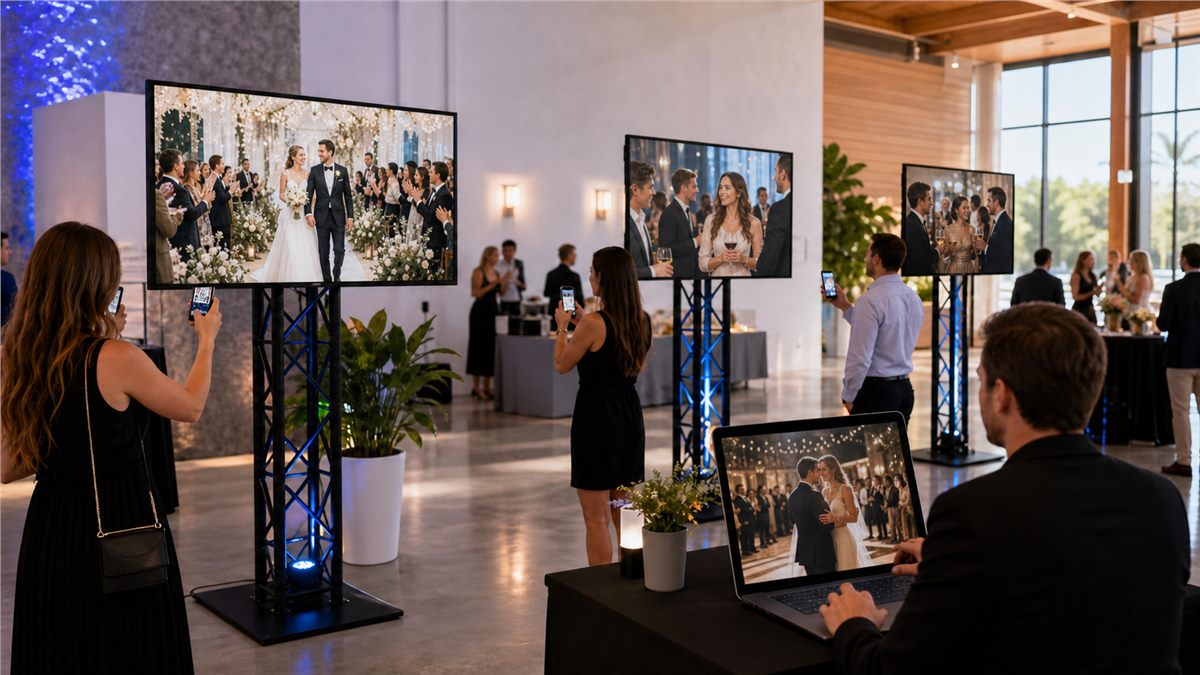
One event, many experiences
You decide what each screen is for. Guests only see the actions you make available, so contributing content feels natural from the first scan.
Share one event link or QR code. There is no app to install.
Show only the destinations and actions that fit your event.
Photos and videos go to that player's own content list.
Review submissions and manage what appears on every display.
Actions that fit the moment
A welcome screen can collect arrival portraits. A stage screen can receive questions or session highlights. A photo wall can invite selfies and short videos. Each player stays focused on its purpose.
Collect candid moments, portraits, and branded event shots.
Invite short guest messages and clips for the right display.
Pair every destination with clear prompts and event instructions.
See the flow
Try this example conference setup to see how each player stays independent.
Select a screen to follow where a guest photo goes.
In this example, the guest chooses Photo wall. The other screens keep their own lists. Event permissions and moderation still apply.
Made for real event operations
Keep lobby, stage, sponsor, and social-wall media separate.
Give each player a layout designed for its screen and purpose.
Review audience uploads before they become part of the show.
Manage all of your event's screens without losing the big picture.
Practical details
It is a Happic player assigned to one screen, with its own content list, layout, and available guest actions. This lets one event run different experiences in different spaces.
Yes. Guests join from their phone, choose an available destination, and upload a photo or video for that screen. Organizer permissions and moderation still apply.
Happic can support web-connected displays and compatible viewer apps. Talk to us about your TVs, projectors, LED walls, or venue signage so we can help plan the right setup.
Your screens are ready for more
Tell us how many spaces, screens, and audience moments you are planning.
Talk to us about your event